Get immediate support

Booking

Booking flights and stays with Vuelo, from search to confirmation.

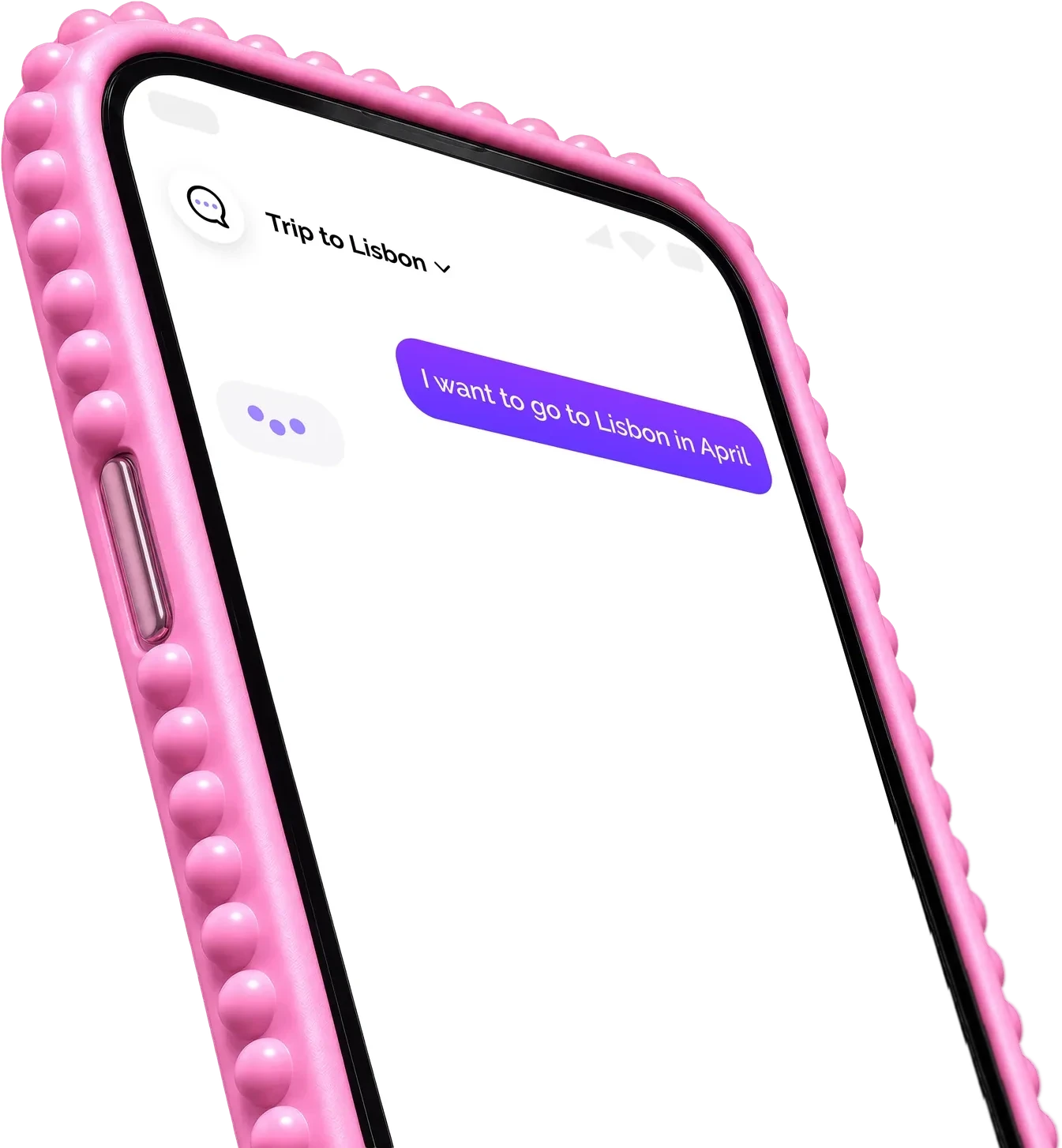
Search for flights and stays in the Vuelo app or on our website, or describe your trip to Voya, the AI travel assistant in the app. Choose how you want to pay at checkout and confirm your booking. The price is shown before you book.

We email your booking confirmation when you book, and your travel documents are in the Purchases section of the app. If you have not received your confirmation within 24 hours, contact us.

A fee for arranging and managing flights and stays booked in the Vuelo app. If it applies, it is shown before you confirm your booking. If your booking fails, or you receive a full refund for it, we refund the Vuelo Service Fee too.

Some destinations charge local taxes, such as city or tourist taxes, which we tell you about before you book where the provider has told us. Your bank may charge a fee for payments in another currency.

You can book most flights and destinations in the app. If one is not listed, we do not support it yet. If you are eligible for a one-time card, you can use it to book on the airline’s own website.

In the app, go to Wallet, then One-time card, then Create new card. Enter the amount, then use the card number, expiry date and CVC at checkout on the airline or hotel website. Each card is for one travel purchase and is valid for 24 hours. It cannot be used for gift cards, bills or other non-travel purchases. See the One-time Card Terms.

Depending on your profile, we may ask you to book a certain time ahead of travel, so that part of the balance is paid before you go. You can see any date restrictions in the app once you have entered your travel details.

Your booking is subject to our Terms of Booking Service and to the rules and restrictions of the airline, hotel or other travel provider, which are shown before you book.

Payments

Paying for your booking, payment dates and what to do if a payment is missed.

You can pay in full when you book, or, subject to status, spread the cost with one of our credit options. The options available to you, and the full cost of any credit, including any interest and the APR, are shown before you agree. See Pay in Full Terms.

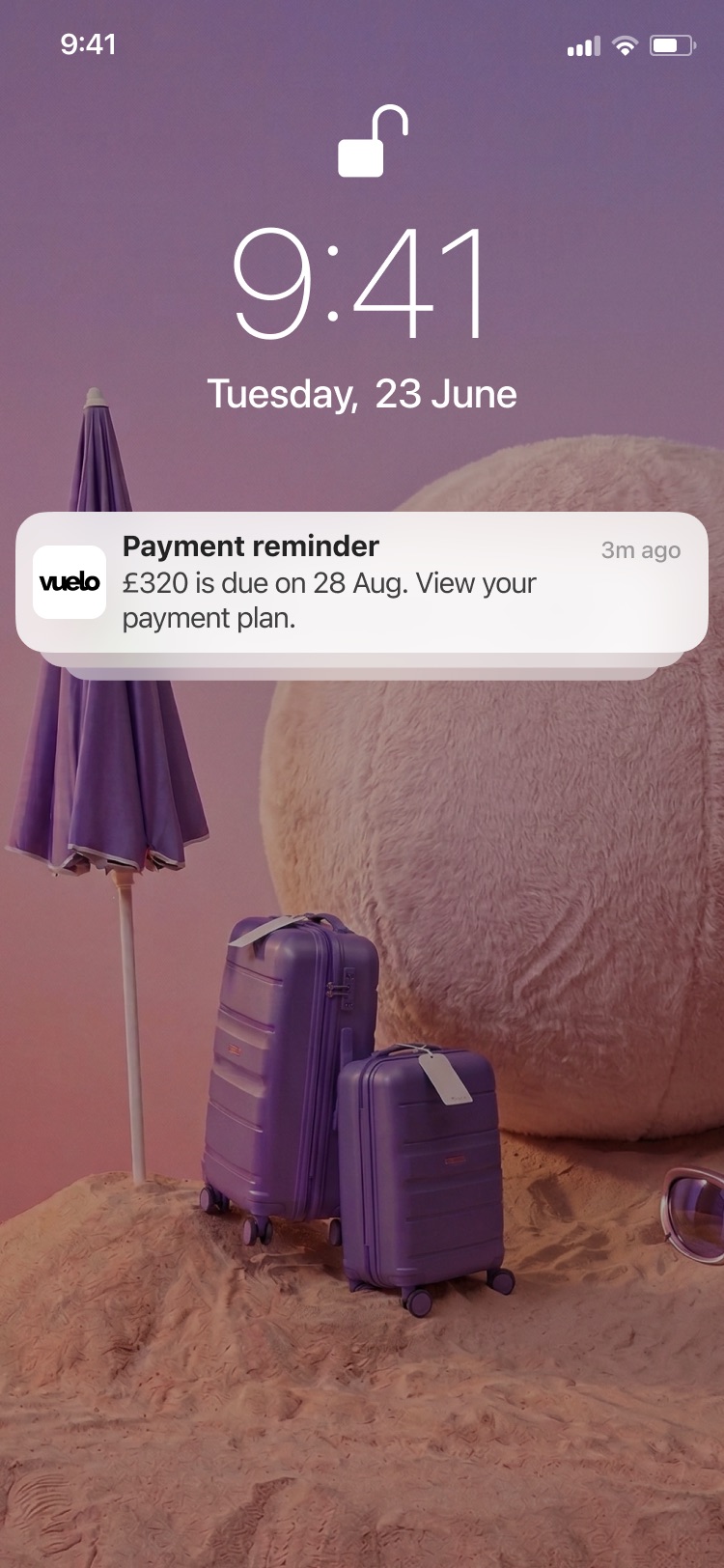
In the app, open Purchases and tap a booking to see its payment plan, upcoming payments and outstanding amount. We also email your payment plan when your booking is confirmed. If a booking is missing, check you are signed in with the email you booked with.

Automatically on each due date, from the card registered for that booking. We email you about your payment dates. Repayments are taken from a debit card; we do not accept credit cards for repayments.

In the app, open Purchases, tap the booking’s payment plan and choose Make a payment. You can pay the full balance or an amount you choose. There is no fee for paying early.

In the app, open Purchases, tap the booking and choose Change under Using Registered Card. To save the new card, you make a £1 payment, which is taken off your outstanding balance. Repeat for each booking you want to update.

Yes, by chat in the app. If your payment is due in the next 7 days, the change applies from the following month. You can change your date once every 3 months, and no more than twice over your agreement, and you cannot move a payment into the next month to skip it.

Check that your card has not expired or been blocked, that there are enough funds, and that you have the latest version of the app. If your bank asks you to verify the payment, follow its steps in full. If a payment fails, we email you how to retry, and we will try to collect it again.

We will remind you and try to collect the payment again, letting you know beforehand. A late fee of £12 applies to each instalment not paid by its due date. Missed payments are reported to credit reference agencies and may affect your ability to get credit. If payments continue to be missed, your booking may be cancelled and we may use a debt collection agency.

Contact us as early as you can, by chat or on (+44) 020 4587 9437. Our Financial Hardship team will talk through your situation and the support we can offer, such as a payment plan that suits you or a short pause or reduction in payments. We will ask you to complete an income and expenditure form. Free, independent advice is also available from MoneyHelper, StepChange and National Debtline.

Credit and eligibility

Credit checks, your credit limit and your rights.

No. When you sign up, we run a soft credit check, which does not affect your credit score. Make sure your personal details are correct, as this gives you the best chance of being accepted.

We will contact you to explain more about the decision. If you were declined because of your credit profile or your travel choice, you can apply again after 30 days.

Your limit is shown in the app. It may go up or down based on your account activity, repayments and affordability. We will tell you before we change it, you can decline an increase, and you can ask for a lower limit at any time in the app.

Yes. You have a 14-day cooling-off period from the day you receive your credit agreement. Tell us in writing, in the app or by email. You will need to repay any balance, and any interest up to the day you repay.

Yes. We report your credit limit, balance and repayment history, including any missed payments, to UK credit reference agencies, including TransUnion. Paying on time can help your credit score; missed payments may harm it.

Vuelo Financial Services UK Limited is authorised and regulated by the Financial Conduct Authority for regulated consumer credit activities, firm reference number 1009113. Your credit agreement sets out your terms, including interest, fees and how to complain.

Changes and cancellations

Changing or cancelling a booking, and travel disruption.

It depends on how you booked:
  • Flights and stays booked in the Vuelo app: chat with us in the app and choose Booking cancellations and amendments. For a change, tell us the new itinerary you want, and we will check availability with the airline or hotel.
  • Booked with a one-time card: contact the airline or hotel directly. Only the person who made the booking can ask for changes.

Whether you can cancel or change, and any fees, depend on the provider’s rules, which are shown before you book. Some bookings cannot be cancelled or changed.

The provider may charge a fee under its rules. We may also charge an administration fee, which we tell you about before you agree to the change or cancellation. Prices can change, so the price for a change is the price when we make it.

If a payment is due soon, select the purchase in the Vuelo app and choose Contact Us to pause billing while the cancellation is confirmed.

We pay for your travel upfront, and you repay us under your agreement. If your booking has been cancelled, email support@getvuelo.com with the cancellation or refund confirmation from your travel provider. We check it with the provider, and any refund is applied to your balance. If the refund does not cover your balance, you still need to repay the rest.

Contact your airline or hotel first. They hold the booking and have the latest information on delays, cancellations, rebooking and refunds. Once they confirm the outcome, we update your Vuelo account. For flights and stays booked in the app, we will let you know as soon as we can and offer alternatives or a refund where possible. Before you book, check the UK government’s travel advice.

Refunds

When and how you get your money back.

Once a refund is confirmed, we usually start processing it within 5 to 7 business days. The whole process depends on the travel provider and can take 6 to 8 weeks. Your bank may then take up to 14 days to show the money in your account. You can follow your refund in the app, under Purchases.

Refunds are credited to your Vuelo account automatically and go towards your outstanding balance first. If the refund is more than your balance, we refund the difference to the card you paid with; if it is less, you continue paying the rest. The amount may be less than you paid if the provider charges a cancellation fee.

The airline or hotel refunds the one-time card you paid with, and the refund then reaches your Vuelo account. To see the card number, open the purchase in the app and choose Show Card Details. If a one-time card booking fails, any deposit is refunded automatically, usually within 1 to 3 business days.

Check the refund against the card you paid with. If it has not arrived after 14 days, or that card or account has been closed, contact us.

Your account

Signing up, keeping your details up to date and closing your account.

Use your passport or driving licence. Take a clear photo in good light, without glare, with some space around the document. For a passport, include the whole photo page, with the line of characters at the bottom.

Enter your address exactly as it appears on your bank statement, including any flat number and the full postcode. If it is still not recognised, use another address of yours that is on your bank statement, or contact us.

In the app, open chat, choose Account Management and then Change Personal Details, and tell us what needs updating. Changes are usually made within 48 hours.

Clear any outstanding balance and make sure you have no active purchases. Then, in the app, go to Profile, Edit account info and Delete account. Deletion can take up to 24 hours.

Buyer protection

What to do if your trip is not what you booked.

First contact the provider you booked with, as only they can fix problems with the booking itself. If that does not resolve it, make a claim in the app: choose Chat with us, then VueloProtect Policy. Our Buyer Protection Policy may apply if you did not receive what you booked, or it differs significantly from its description.

Yes. When you make a claim and give us the information we ask for, we pause your payments while the provider responds. If the claim is resolved in your favour, we refund what you have paid to the payment method you used.

In the app, go to Customer Service and open your claim. It shows whether your claim is Submitted, In Progress or Resolved, and we email you at each update.

Before or during your trip if you can, so it can be looked into while you are away. Otherwise, tell us as soon as possible after your trip. We recommend doing so within 30 days of travel.

Complaints

How to make a complaint and how we handle it.

Use the chat in the Vuelo app, email complaints@getvuelo.com or call (+44) 020 4587 9437. To write to us, use the address in your credit agreement.

We acknowledge your complaint in writing within 3 working days. If we have not resolved it within 5 working days, we send you an update. We aim to send our final response within 8 weeks, setting out what we found, any offer we are making and how to escalate. See our Complaint Policy.

If you are unhappy with our final response, or we have not sent one within 8 weeks, you can refer your complaint to the Financial Ombudsman Service, a free and independent service. Call 0800 023 4567 or 0300 123 9123, or visit financial-ombudsman.org.uk. You must do so within 6 months of our final response.

Privacy and security

How we protect your account and your personal data.
Our Privacy Notice explains what we collect and why, who we share it with and your rights under UK data protection law. For questions, email privacy@getvuelo.com.

In the app, you can remove a saved card under Payment methods, turn off autofill under Settings, Privacy & Security, and stop marketing emails under Settings, Notifications. To ask for a copy of your data or for it to be deleted, chat with us. As a regulated firm, we must keep some data by law.

Be wary of messages you did not expect, from senders you do not know, with spelling mistakes, unusual links or attachments, requests for personal or security details, or pressure to act quickly. Do not reply or click, and report it. Never share your password or PINs.

We use 3D Secure (3DS 2.0), also known as Visa Secure or Mastercard Identity Check, to protect your online payments. Follow your bank’s steps in full, or the payment will fail.

Contact us straight away by chat in the app, and contact your bank or card issuer. If fraud is confirmed, you will not be held liable for transactions you did not authorise, provided you have not acted negligently. See our Fraud Prevention Commitment.

Customer service in the app

Manage your bookings and payments, check when payments are due and get help from our team by chat, all in the Vuelo app.

Get the app

More ways we can help

Get support anytime, anywhere

Chat with us anytime in the Vuelo app, call (+44) 020 4587 9437 or email support@getvuelo.com. You can also visit our help centre.

Get the app
Download the Vuelo app

Scan the QR code with your phone to download the app.

QR code to download the Vuelo app